Grab a controller. Pull up a beanbag. Boot up your childhood.
Retro World
Press Start

The Big Three

Don't stop playing · Don't touch the chow · Don't down the juice
Nintendo

Nintendo

From the gray box that saved video games to a handheld in your pocket — Nintendo wrote the rulebook on fun.

Playstation

PlayStation

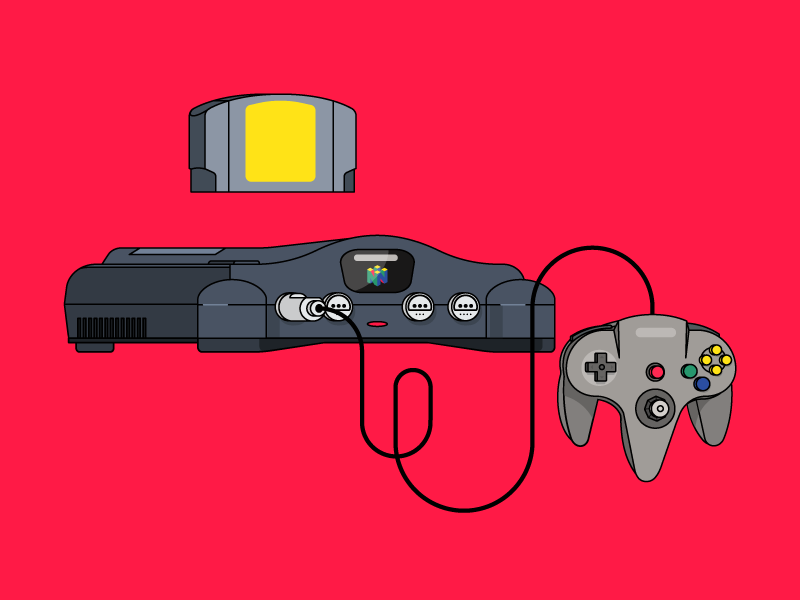
Sony's gray slab turned the living room into a movie theater. Discs, memory cards, and that legendary boot-up chime.

Sega

Sega

"Sega does what Nintendon't." Blast processing, attitude, and a blue hedgehog who would not slow down.
Your Choice

"A man chooses; a slave obeys." — Andrew Ryan, BioShock

Nintendo 64 Nintendo 64 animation
Nintendo 64
Blow First!
SNES SNES animation
SNES
Retro Legend
PlayStation PlayStation animation
PlayStation
No Fingerprints please
Arcade Arcade animation
Arcade
Don't forget your tokens
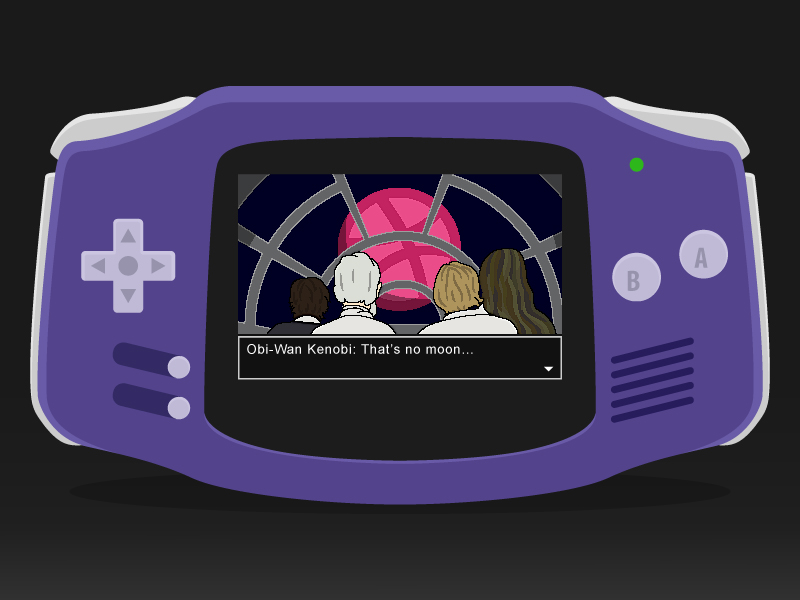
GameBoy Advance GameBoy Advance animation
GameBoy Advance
Better than the last
Nintendo DS Nintendo DS animation
Nintendo DS
Two screens for the price of one

How It Works

No installs. No accounts. Just play.

1. Pick a System

Choose from N64, SNES, PlayStation, GameBoy Advance, Nintendo DS, or the classic Arcade — all running inside your browser.

2. Load a Game

Drag-and-drop a ROM you legally own, or paste a URL to a game file you've hosted in your own cloud storage.

3. Press Start

EmulatorJS handles the rest — gamepad support, save states, fast-forward, and full-screen are all built in.

Retro World is a personal, browser-based front-end for EmulatorJS. We don't host, sell, or distribute ROMs — you bring your own.

Controls

Default keyboard mapping. USB / Bluetooth gamepads also auto-detected.

Keyboard

Movement / D-Pad
A buttonX
B buttonZ
X buttonS
Y buttonA
StartEnter
SelectShift
L / R shoulderQ   W

Emulator Shortcuts

Toggle fullscreenClick the icon (bottom-right)
Save stateIn-game menu → Save State
Load stateIn-game menu → Load State
Fast-forwardHold Tab
Open settingsPress Esc or click the gear icon
Reset gameIn-game menu → Restart
GamepadPlug it in — it just works (XInput / DInput)
MobileOn-screen touch controls appear automatically

Contact

Spot a bug? Got a feature request? Drop a line.

A name is required.
An email is required.
Email is not valid.
A message is required.
Message received — thanks!
Error sending message!